EasySlides
Make slide decks from a topic or an uploaded file, with no sign-up to start
Facts checked · 6 sources · Report a correction
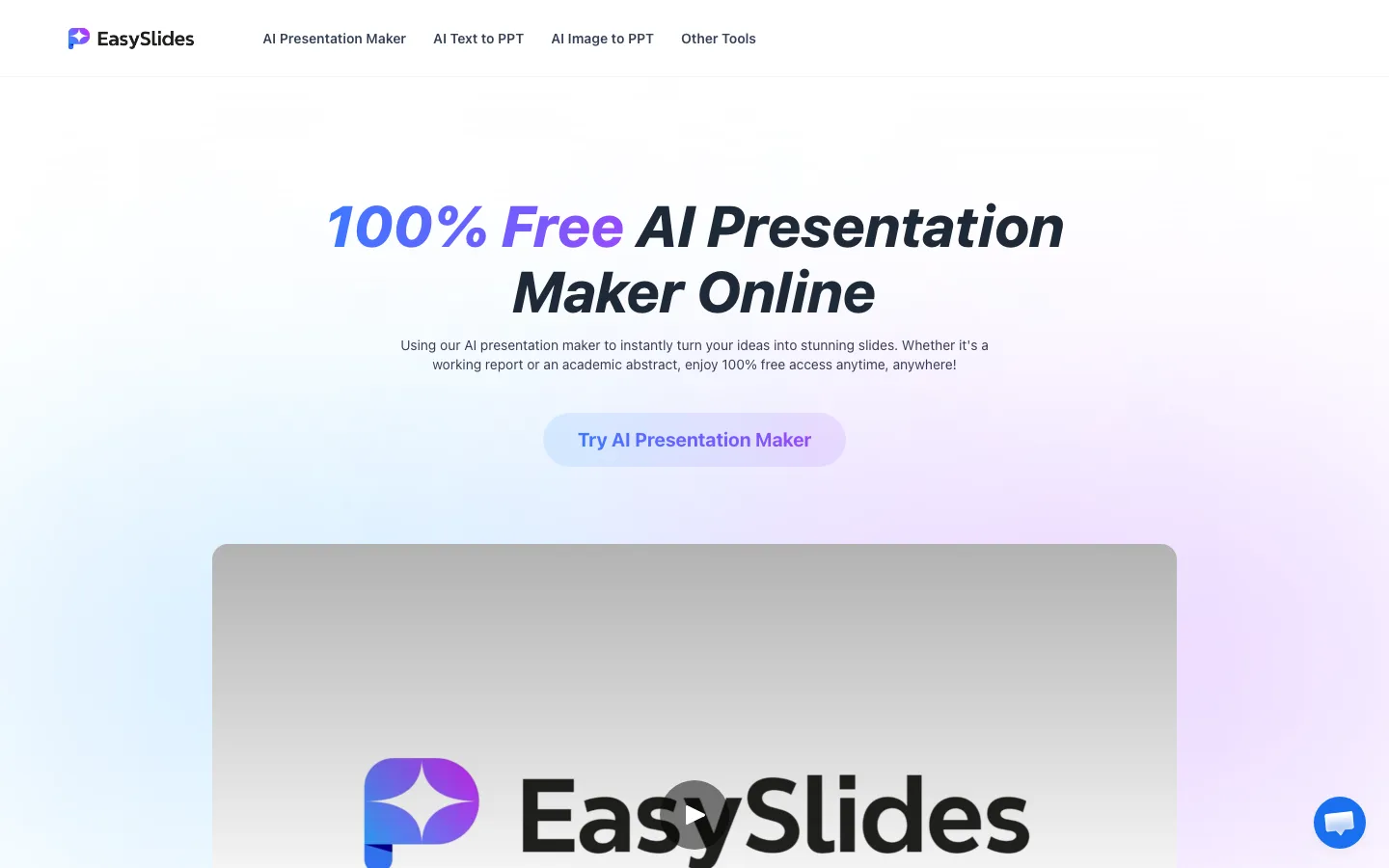
What is EasySlides?
EasySlides is a web-based AI presentation maker. You either describe a topic and let it draft an outline and slides, or upload a Word, PDF, PowerPoint, Google Slides, XMind or image file and have it turned into a deck. You can then edit the text, add images and insert a logo in its online editor, and download the result as a PDF. The homepage says it is free and needs no account; its pricing page also mentions subscription plans with a monthly number of AI generations.
Our take
EasySlides is a fast way to get a first-draft deck from a topic or an existing document without creating an account. Treat the output as a draft to edit, and note that the site only describes PDF export and says little about paid limits or how long it keeps your files.
Who it is for
- Students who need a quick first draft of a class presentation
- Teachers turning notes or documents into slides
- Professionals converting a report or PDF into a deck
Key features
Topic to slides
Drafts an outline and slide content from a short description.
File to slides
Converts Word, PDF, PowerPoint, Google Slides, XMind files or images into a presentation.
Template library
Offers a large set of slide templates; the site claims more than 1 million.
Online editor
Lets you change the AI text, add images and insert a brand logo.
PDF export
Downloads the finished deck as a PDF.
Single-purpose converters
Separate pages for text to PPT, image to PPT, PDF to PPT, Word to PPT and a PPT summarizer.
EasySlides pricing
EasySlides has a free option.
| Plan | Price | What you get |
|---|---|---|
| Free | $0Topic or file to slides, online editing and PDF export, no sign-up | Topic or file to slides, online editing and PDF export, no sign-up |
The homepage calls the tool 100% free. Its pricing page says paid subscription packages exist, each with a set number of monthly AI generations, but the plan table did not load for us, so prices are unconfirmed. The Terms describe monthly and annual subscriptions with short refund windows: 24 hours for monthly, 72 hours for annual, 14 days in the EU and Turkey.
Prices as published by the maker on Nov 21, 2026 · pricing page. Taxes and regional prices may differ.
Pros and cons
What works
- Starts without an account
- Accepts many input types, including PDF, Word, PowerPoint and XMind
- Built-in editor for text, images and logos
- The main tool is free to use
What to watch
- The site mentions PDF export only, with no PowerPoint (PPTX) download described
- Paid plan prices were not visible on the pricing page
- The privacy policy does not say how long uploaded files are kept or whether they are used for AI training
- The policies name no company, address or country
How to use EasySlides
- 1
Go to easyslides.ai and type a topic, or drag in a document.
- 2
Let it generate an outline and the slides.
- 3
Edit the slides: change text, add images or insert your logo.
- 4
Export the deck as a PDF and download it.
Is EasySlides safe?
Privacy policy (effective December 25, 2024) covers the text, files and images you upload, plus IP, browser and page data, and shares data with service providers for processing, payments, analytics and support. It does not state retention periods or whether uploads are used to train AI models. Under the Terms you keep ownership of your content and grant EasySlides a license to store and display it to run the service.
EasySlides alternatives
Also worth a look
- Gamma AI decks, documents and web pages, with PowerPoint export.
- Canva Design platform with AI presentation drafting and a large template library.
- Beautiful.ai Slide software that adjusts layouts automatically as you add content.
- SlidesAI Generates slides inside Google Slides from pasted text.
More in Productivity & Work

GetTheScript
Turns TikTok, Reels, Shorts and Facebook video links into text transcripts and subtitles
Free plan · $9.99 one-time (200 credits)

Ripdex
Scan Pokémon cards with your phone to see what they're worth and track your collection
Free plan

God of Prompt
Free library of copy-paste AI prompts, plus paid toolkits and a one-time bundle
Free plan · $10 one-time
EasySlides FAQ
Is EasySlides really free?
The homepage says it is 100% free with no sign-up. Its pricing page and Terms also describe paid subscriptions with a monthly number of AI generations, so heavy use may need a plan.
Do I need to sign up for EasySlides?
No. The site lets you start generating slides without creating an account.
Can EasySlides export to PowerPoint?
The site says you can export your presentation to PDF and download it. We found no mention of PPTX export on its pages.
What files can I upload to EasySlides?
Word documents, PDFs, PowerPoint files, Google Slides, XMind files and images.
Is EasySlides safe?
Its privacy policy (December 25, 2024) covers the text and files you upload plus usage data, and says data is shared with service providers. It does not say how long uploads are kept or whether they are used for AI training.