sync.
Re-syncs lips in real footage to new audio for dubbing and dialogue fixes
Read this first. Only make a face say words with that person’s permission. Putting words in a real person’s mouth without consent can be illegal and breaks this tool’s own rules. More on safety
Facts checked · 23 sources · Report a correction
What is sync.?
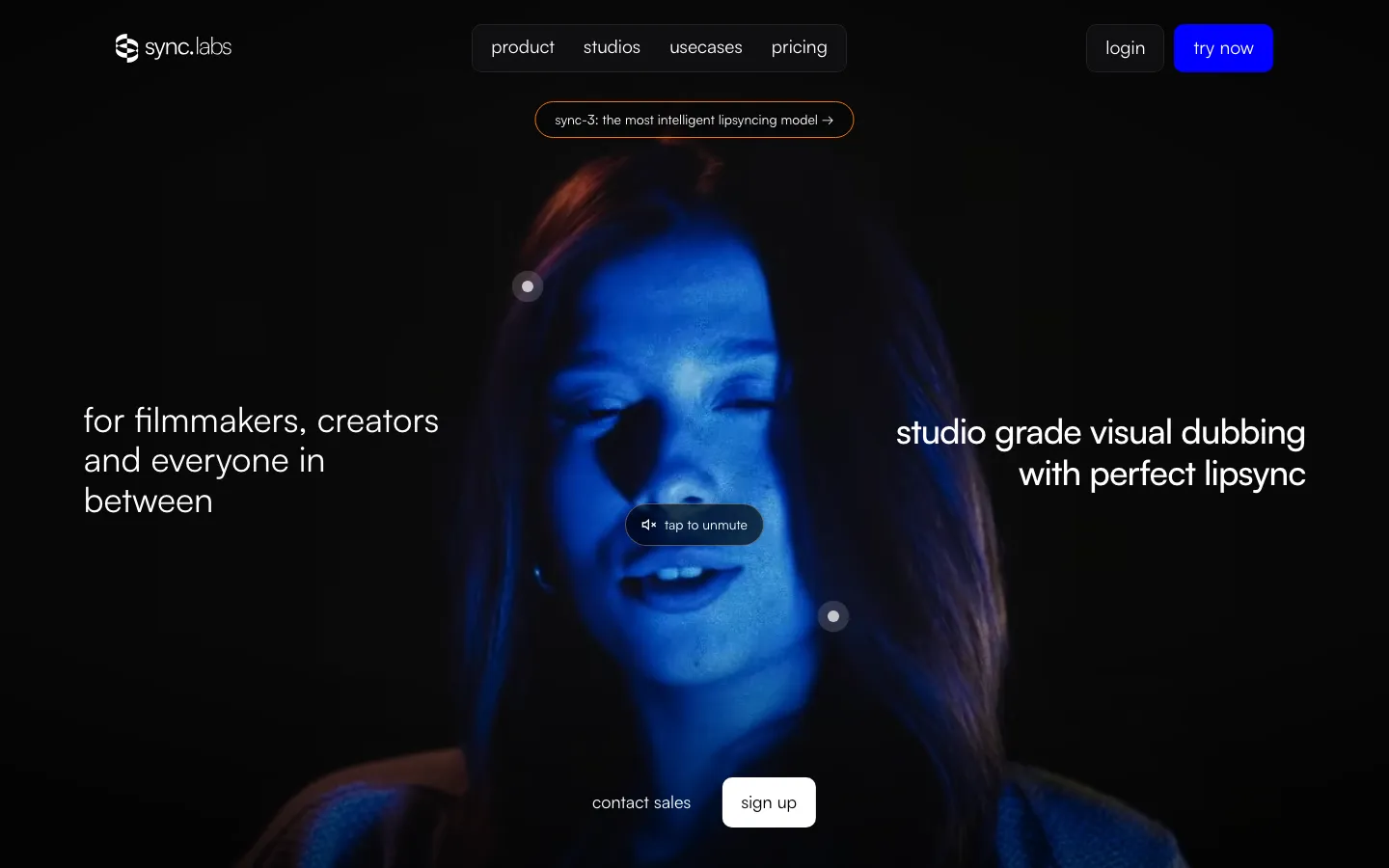
sync. (legal name Synchronicity Labs, Inc.) is a San Francisco company that grew out of Wav2Lip, an open-source lip-sync project its founders co-wrote at IIIT Hyderabad in 2020. Rather than generating an avatar, it redraws mouth movement in footage you already have so it matches new audio. People use it to dub videos into other languages, fix lines without reshooting, and localize marketing videos. You work in the web Studio, inside Adobe Premiere or DaVinci Resolve, or through an API billed per second. Its newest model, sync-3, outputs native 4K and also accepts still images.
Our take
sync. is the best fit here for dubbing or fixing dialogue in real footage, for editors working in Premiere or Resolve and developers who need an API. The catch is cost and scope: you pay a monthly fee plus per-second usage, sync-3 runs about $8 per output minute on entry plans, and you must supply the face, since it doesn't generate presenters from a script.
Who it is for
- Editors and post-production teams replacing or fixing dialogue in real footage
- Studios and creators dubbing video into other languages with matching lips
- Developers adding lip sync to apps through the API, SDKs or ComfyUI
- Premiere Pro and DaVinci Resolve users who want lip sync on the timeline
Key features
Lip sync on real footage
Redraws the mouth in an uploaded video so it matches a new audio track or a typed script read by text-to-speech.
sync-3 model
Outputs native 4K and handles profile shots, tight close-ups and hands or microphones partly covering the mouth.
react-1 emotion control
Adds facial expression and head movement on short clips, with the emotion set through the API.
Visual dubbing
Translates the speech, voices it in the new language and lip-syncs the video to match; ElevenLabs sets the language list.
Dialogue editing
Changes or removes words in a clip in the speaker's own voice, so a line can be fixed without a reshoot.
Speaker selection
When several people are in frame, you click the face that should be synced.
Plugins and API
Plugins for Adobe Premiere and DaVinci Resolve Studio, a ComfyUI node, an MCP server and Python and TypeScript SDKs.
sync. pricing
sync. has a free option. Paid use starts at $5/month plus usage.
| Plan | Price | What you get |
|---|---|---|
| Free | $03 lip-sync generations a month up to 15 seconds each, watermark, Studio and API access, no card | 3 lip-sync generations a month up to 15 seconds each, watermark, Studio and API access, no card |
| Hobbyist | $5/month + usagemonthlyVideos up to 1 minute, 3 concurrent jobs, 3 voice clones, API and SDKs, watermark | Videos up to 1 minute, 3 concurrent jobs, 3 voice clones, API and SDKs, watermark |
| Creator | $19/month + usagemonthlyVideos up to 5 minutes, 10 concurrent jobs, 5 voice clones, no watermark | Videos up to 5 minutes, 10 concurrent jobs, 5 voice clones, no watermark |
| Growth | $49/month + usagemonthlyVideos up to 10 minutes, 20 concurrent jobs, 15 voice clones, 3 seats, 5% usage discount | Videos up to 10 minutes, 20 concurrent jobs, 15 voice clones, 3 seats, 5% usage discount |
| Scale | $249/month + usagemonthlyVideos up to 30 minutes, 50 concurrent jobs, 50 voice clones, 5 seats, 20% usage discount, batch API | Videos up to 30 minutes, 50 concurrent jobs, 50 voice clones, 5 seats, 20% usage discount, batch API |
Usage is billed per output frame on top of the plan and quoted per second at 25 fps. Hobbyist and Creator rates: lipsync-1.9 $0.025/s, lipsync-2 $0.05/s, lipsync-2-pro $0.08325/s, sync-3 $0.13325/s, react-1 $0.16675/s; dubbing adds $0.10/s and text-to-speech $0.004/s. Growth and Scale pay less per second. Only monthly prices are shown; Enterprise is through sales. Hobbyist and Creator base fees can be refunded within the current cycle if 1,500 frames or fewer were used.
Prices as published by the maker on Nov 21, 2026 · pricing page. Taxes and regional prices may differ.
Pros and cons
What works
- Works on footage you already shot, including side angles, close-ups and partly covered mouths with sync-3.
- A free tier with no card lets you test three short clips a month.
- Plugins put lip sync directly on the Premiere Pro and DaVinci Resolve timeline.
- A watermark check shows whether a video was modified with sync.'s models.
What to watch
- Costs stack: a monthly fee plus per-second usage, and dubbing is charged on top of the lip-sync model.
- sync-3 runs about $8 per output minute on entry plans.
- Free and Hobbyist outputs carry a watermark; Creator at $19 a month removes it.
- The terms ban impersonation but don't require consent from the person on screen.
How to use sync.
- 1
Sign up at sync.so; the free tier needs no card and allows three 15-second lip-sync runs a month.
- 2
In Studio, upload a video, or a still image for sync-3, then add audio: a file, text-to-speech, a cloned voice or a dub into another language.
- 3
If more than one person is in frame, click the face to sync and pick a model such as lipsync-2 or sync-3.
- 4
Generate, review the result, and adjust timing in the timeline editor before you export.
- 5
For volume work, call the same models through the API or run them from the Premiere or Resolve plugin.
Is sync. safe?
sync. re-syncs the lips of anyone in a video to new audio, and consent is a rule in its terms rather than a check. sync.'s privacy policy (effective May 27, 2024) lists uploaded photos, videos and text among collected data and says personal information is used to develop, train and fine-tune its AI models; it offers access and deletion requests but no training-specific opt-out. The terms (June 6, 2024) say you own your content but grant sync. a perpetual, irrevocable licence, ban impersonation and pornographic content, bar users under 13 and require express consent for under-18s. Payments are final unless sync. decides otherwise, though the pricing FAQ allows some base-fee refunds.
sync. alternatives
More in AI Video

sync. FAQ
Is sync. free?
There is a free tier with no card: three lip-sync generations a month, up to 15 seconds each, with a watermark. Paid plans start at $5 a month plus per-second usage.
What happened to Sync Labs?
Sync Labs now brands itself sync. (or sync. labs) at sync.so. The company, Synchronicity Labs, Inc., went through Y Combinator in Winter 2024 and raised a $5.5M seed round led by GV in August 2024.
How much does sync. cost per minute?
On Hobbyist and Creator plans, lipsync-2 costs $0.05 per second (about $3 a minute) and sync-3 about $0.133 per second (about $8 a minute), on top of the monthly fee. Growth and Scale plans get lower rates.
Does sync. work in Premiere Pro?
Yes. sync. has plugins for Adobe Premiere and DaVinci Resolve Studio that lip-sync clips in your editing timeline.
How do I cancel sync.?
Go to sync.so/billing/subscription, click Cancel subscription and confirm in Stripe. The plan stays active until the end of the billing period, when any remaining usage is billed.
Guides that mention sync.
Sources
- sync.so/
- sync.so/pricing
- sync.so/about
- sync.so/docs/introduction
- sync.so/docs/llms.txt
- sync.so/docs/free-trial.md
- sync.so/docs/models/llms.txt
- sync.so/docs/models/sync-3.md
- sync.so/docs/web-app-guides/llms.txt
- sync.so/docs/web-app-guides/dubbing-ui.md
- sync.so/docs/plugins-and-extensions/llms.txt
- sync.so/blog
- sync.so/blog/sync-announces-5-5m-seed-round-to-make-video-content-creation-less-camera-dependent-using-ai
- sync.so/blog/sync-3-most-intelligent-lipsync-model
- sync.so/blog/the-new-era-of-ai-lip-sync-creating-viral-celebrity-memes
- sync.so/changelog
- sync.so/privacy
- sync.so/terms
- www.ycombinator.com/companies/sync-labs
- www.heygen.com/translate
- rask.ai/
- www.veed.io/tools/lip-sync-api
- www.synthesia.io/