
SnapEdit
AI photo editor for removing objects, text and backgrounds and upscaling images
Facts checked · 12 sources · Report a correction
What is SnapEdit?
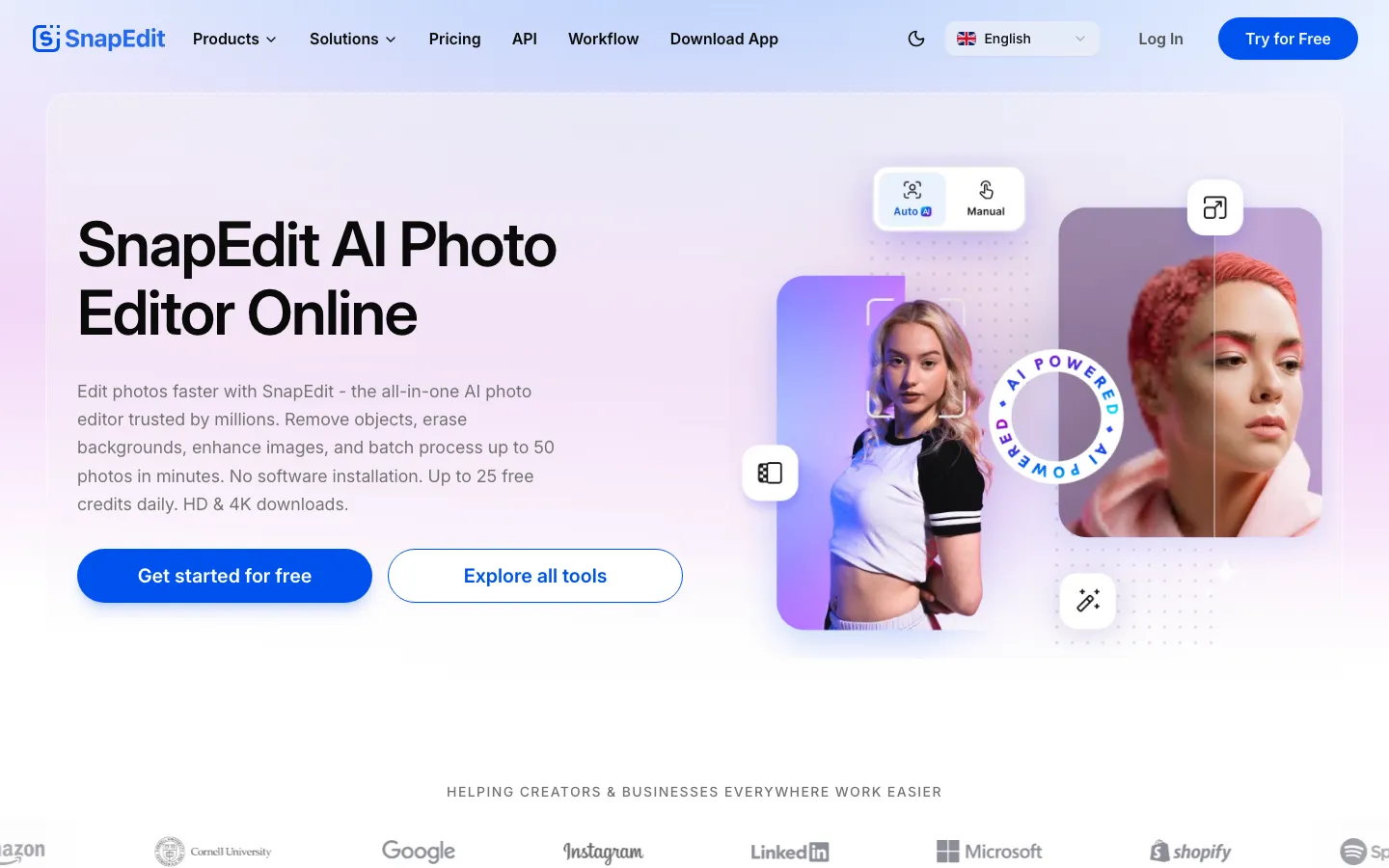
SnapEdit is an AI photo editor from SilverAI Joint Stock Company, based in Hanoi, Vietnam. It runs in the browser and in iOS and Android apps. You brush over an unwanted object, person, wire or piece of text and it fills the gap, or you remove the background, upscale up to 8x, retouch skin or restore old photos. Each AI action costs 1 to 8 credits. The company says it has 20 million users, and since September 2026 it also sells the same models through a developer API.
Our take
SnapEdit fits quick fixes such as removing a stranger, a wire or a caption from a phone photo, and the credit cost of each tool is clearly listed. The free plan is tight and watermarked, and the free-credit numbers on its own pages do not match. Check which plan and billing period you are buying, since payments are not refunded.
Who it is for
- People cleaning up travel and phone photos
- Online sellers who need clean product backgrounds
- Developers who want object or background removal through an API
Key features
Object removal
Erases selected objects or people and fills in the background (1 credit; AI Super Remove costs 2).
Text and wire removal
Removes overlaid text and power lines from photos for 1 credit each.
Background tools
Removes or blurs backgrounds and replaces skies for 1 credit.
Enhance and upscale
Sharpens and enlarges images 2x, 4x or 8x for 2 to 8 credits.
Retouch and restore
Smooths skin, colorizes black-and-white photos and restores old ones.
Video enhancer
Upscales video to Full HD on Standard or 2K on PRO.
Developer API
Offers 40+ image and video models through one API, priced per call.
SnapEdit pricing
SnapEdit has a free option. Paid use starts at $6/month.
| Plan | Price | What you get |
|---|---|---|
| Free | $010 credits a month; exports up to 1600px with a watermark; unlimited non-AI tools; limited AI tools | 10 credits a month; exports up to 1600px with a watermark; unlimited non-AI tools; limited AI tools |
| Standard | $6/monthmonthly4,800 credits a year; all AI tools; 8x upscale; Full HD video enhancer; no watermark; exports up to 5600px; batch processing | 4,800 credits a year; all AI tools; 8x upscale; Full HD video enhancer; no watermark; exports up to 5600px; batch processing |
| PRO | $12/monthmonthly18,000 credits a year; adds AI Super Remove, AI Magic Enhance, 2K video enhancer and PRO access in the mobile app | 18,000 credits a year; adds AI Super Remove, AI Magic Enhance, 2K video enhancer and PRO access in the mobile app |
| API | From $0.002 per callcreditsPay-as-you-go access to 40+ models; $0.004 per background or object removal; volume discounts | Pay-as-you-go access to 40+ models; $0.004 per background or object removal; volume discounts |
The pricing page pairs each per-month price with a yearly credit total, so the price may assume yearly billing; no separate monthly-billed price is shown. The homepage advertises up to 25 free credits a day, which does not match the 10 credits a month on the pricing page. Unused credits roll over while subscribed. Terms say payments are non-refundable. iOS in-app purchases range from $4.99 (weekly or monthly) to $24.99 (yearly). API prices come from SnapEdit's September 2026 press release.
Prices as published by the maker on Nov 21, 2026 · pricing page. Taxes and regional prices may differ.
Pros and cons
What works
- Object, text and wire removal take a single brush stroke
- Works on web, iOS and Android, plus an API
- App Store rating of 4.8 from about 14,000 ratings
- Privacy policy says uploads and results are deleted within about an hour
What to watch
- Free exports are capped at 1600px and carry a watermark
- Its homepage and pricing page state different free-credit allowances
- Payments are non-refundable under its terms
- Small Trustpilot sample (14 reviews, 2.0 out of 5), mostly about unwanted charges
How to use SnapEdit
- 1
Open snapedit.app or install the iOS or Android app.
- 2
Upload a photo and pick a tool, such as Remove Object or Remove Background.
- 3
Brush over the area you want removed or changed.
- 4
Run the AI action; it spends 1 to 8 credits depending on the tool.
- 5
Download the result; paid plans drop the watermark and allow larger exports.
Is SnapEdit safe?
Privacy policy: uploaded images, results and any face data are deleted at the latest about one hour after upload; images are not shared with third parties or published; data is processed on AWS and Google Cloud and Google Analytics is used; deletion requests go to support@snapedit.app with a reply within 30 days. Terms: users keep ownership of their content and grant SnapEdit a license to operate the service; payments are non-refundable; Austrian law and Vienna courts are named.
SnapEdit alternatives
Also worth a look
- Clipdrop Cleanup Browser tool that removes objects, defects or people from photos.
- Photoroom Background removal and product-photo tools built for online sellers.
- Picsart Full photo and video editor with AI tools on web and mobile.
- remove.bg Single-purpose automatic background remover.
More in AI Image & Photo

Rendershop
Turns sketches, CAD views and 3D model screenshots into photoreal architectural renders
Free trial · $9/month

Bigjpg
Enlarges artwork and photos up to 16x with AI and cleans up noise
Free plan · $6 for 2 months

PhotoGenius
One credit balance for many AI image, video and 3D models in the browser
Free trial · $10/month
SnapEdit FAQ
Is SnapEdit free?
Yes, with limits. The pricing page lists 10 free credits a month and watermarked exports up to 1600px, while the homepage mentions up to 25 free credits a day. Paid plans start at $6 a month.
Who makes SnapEdit?
SilverAI Joint Stock Company, based in Hanoi, Vietnam. It is the seller listed on the App Store.
Is SnapEdit safe?
Its privacy policy says uploaded images and results are deleted about one hour after upload and are not shared with third parties. Processing runs on AWS and Google Cloud.
Does SnapEdit have an app?
Yes. There are iOS and Android apps as well as the web editor. The iOS app needs iOS 15 or later.
How do I cancel SnapEdit?
On the web, cancel from your account settings; access continues until the end of the paid period. Subscriptions bought in the iOS app are managed through your Apple account.
Can I get a refund from SnapEdit?
Its terms say payments are non-refundable to the extent the law allows, including for unused paid services.
Sources
- snapedit.app/
- www.snapedit.app/
- snapedit.app/pricing
- snapedit.app/policy
- snapedit.app/term-of-service
- apps.apple.com/us/app/snapedit-photo-editor-ai/id1611282499
- www.financialcontent.com/article/abnewswire-2026-9-8-snapedit-ai-photo-editor-launches-developer-platform-bringing-40-ai-image-and-video-editing-models-to-businesses-through-a-single-api
- www.trustpilot.com/review/snapedit.app
- clipdrop.co/cleanup
- www.photoroom.com/
- picsart.com/
- www.remove.bg/